Is Assetwise financial or insurance advice?
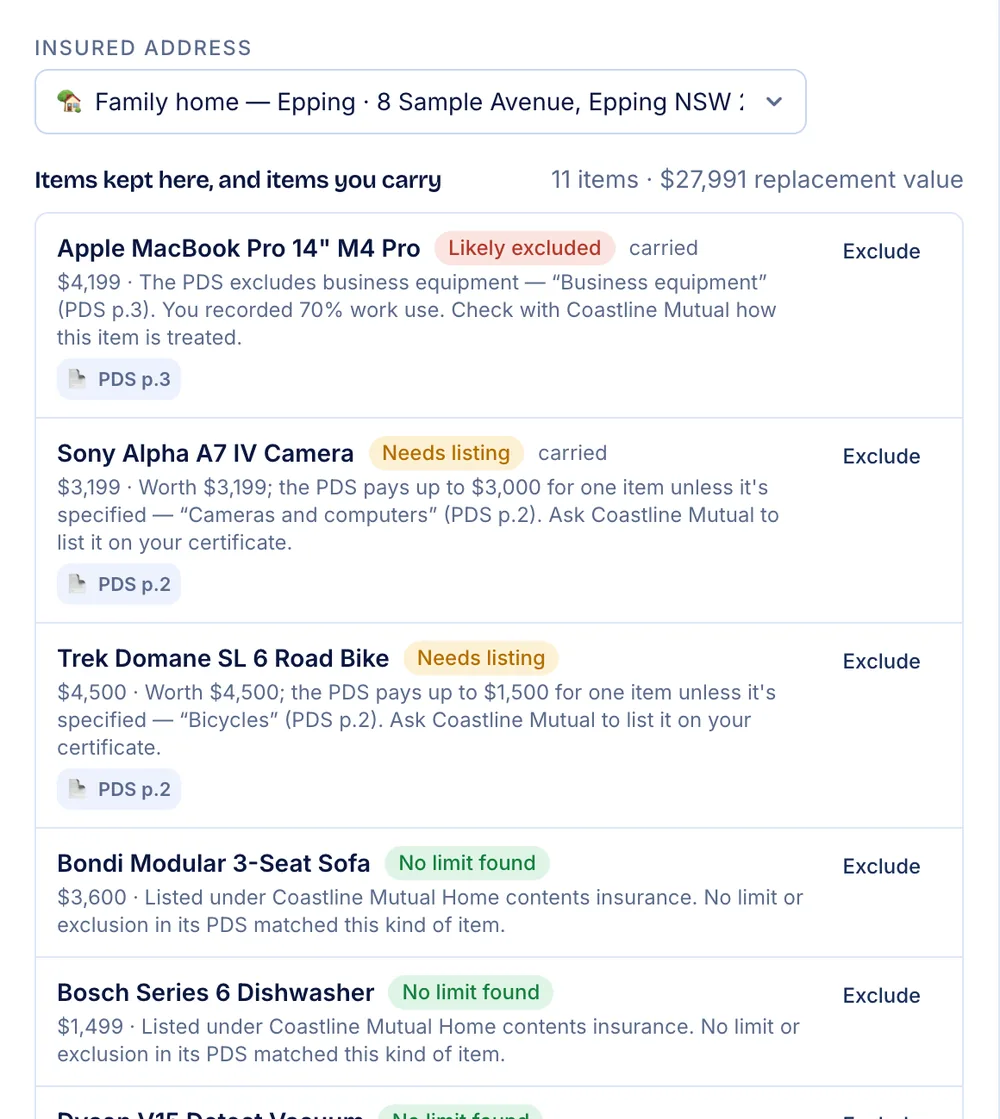
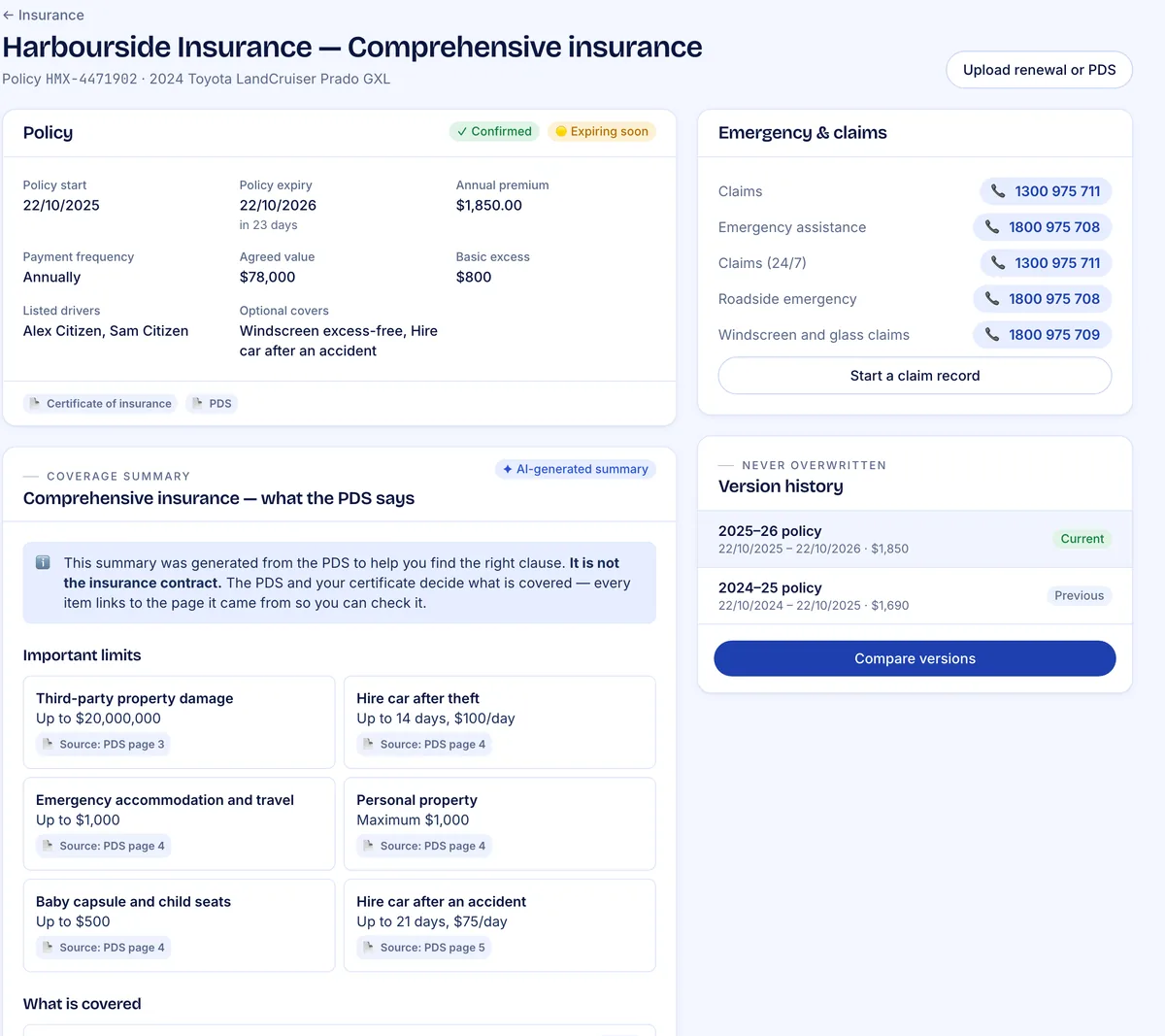
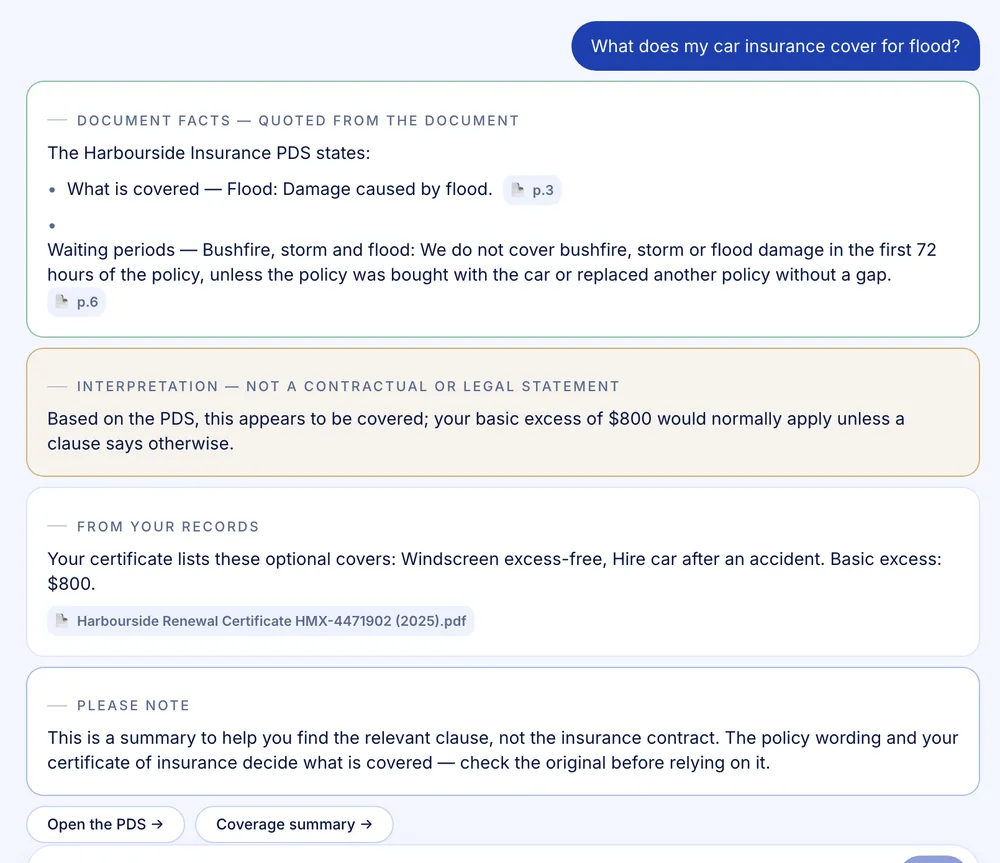
No. Assetwise records and compares your own information. It doesn't recommend or arrange insurance, and it isn't financial, legal or tax advice. Your policy documents decide what is covered — Assetwise helps you find the right clause and links to the page it came from.
Where is my data stored?
In Australia, in a secure cloud data centre in Sydney. Documents are encrypted, scanned for malware before anything reads them, and only reach your browser through short-lived private links. Documents are read by AI through an Australian inference profile, with your personal details replaced by placeholders first.
Does the AI see my personal details?
Assetwise hides them first. Before a document or a question goes to the AI, the personal details it recognises — your name, addresses, email, phone numbers, card, TFN, Medicare, bank and licence numbers, VINs, regos and policy numbers — are replaced with placeholders such as [NAME 1]. The AI works with the placeholders, and Assetwise puts your real details back in the result. The link between the two exists only while that one request runs, and is never stored or sent. Details are recognised by their format and labels, so a name written on its own in free text can occasionally slip through.
Can I try it without signing up?
Yes. The demo runs a complete fictional household in your browser, including sample receipts you can process. Nothing you do in the demo leaves your browser.
Do I have to type everything in?
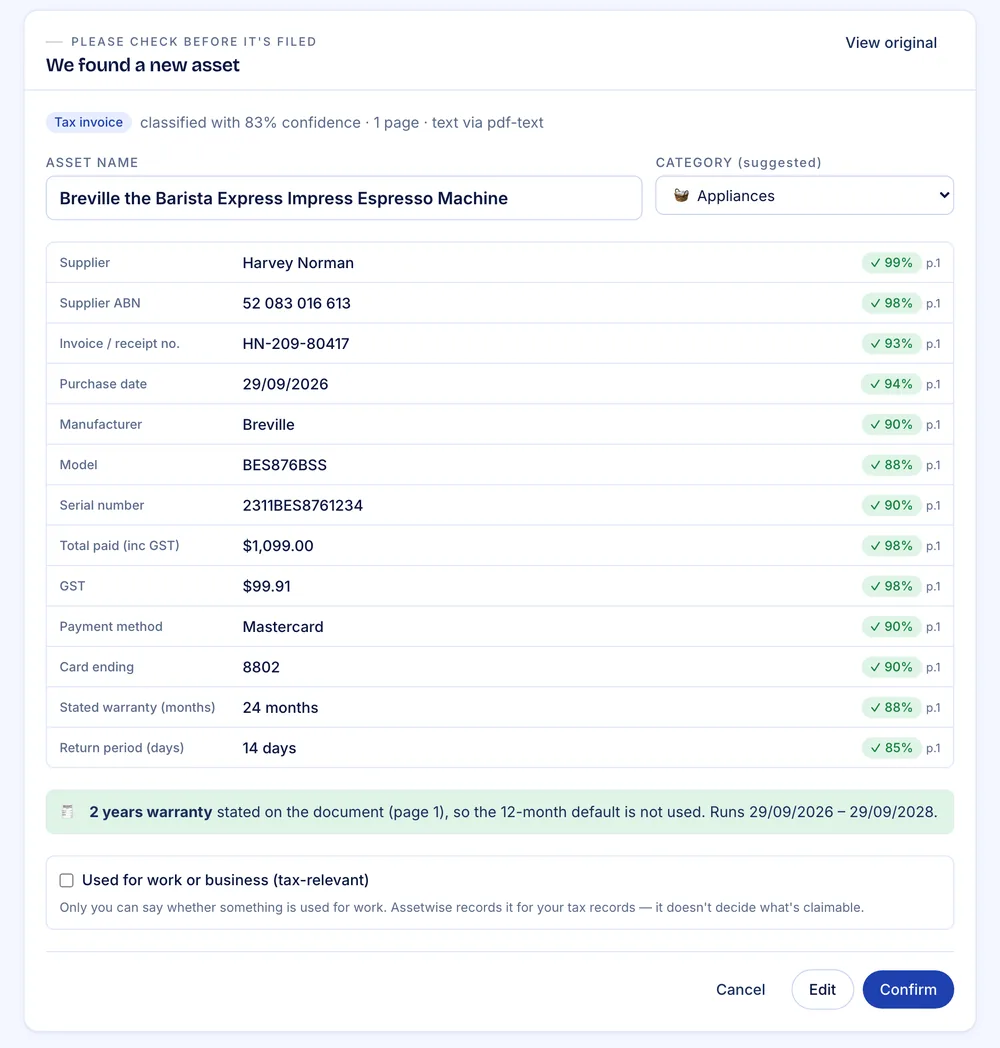
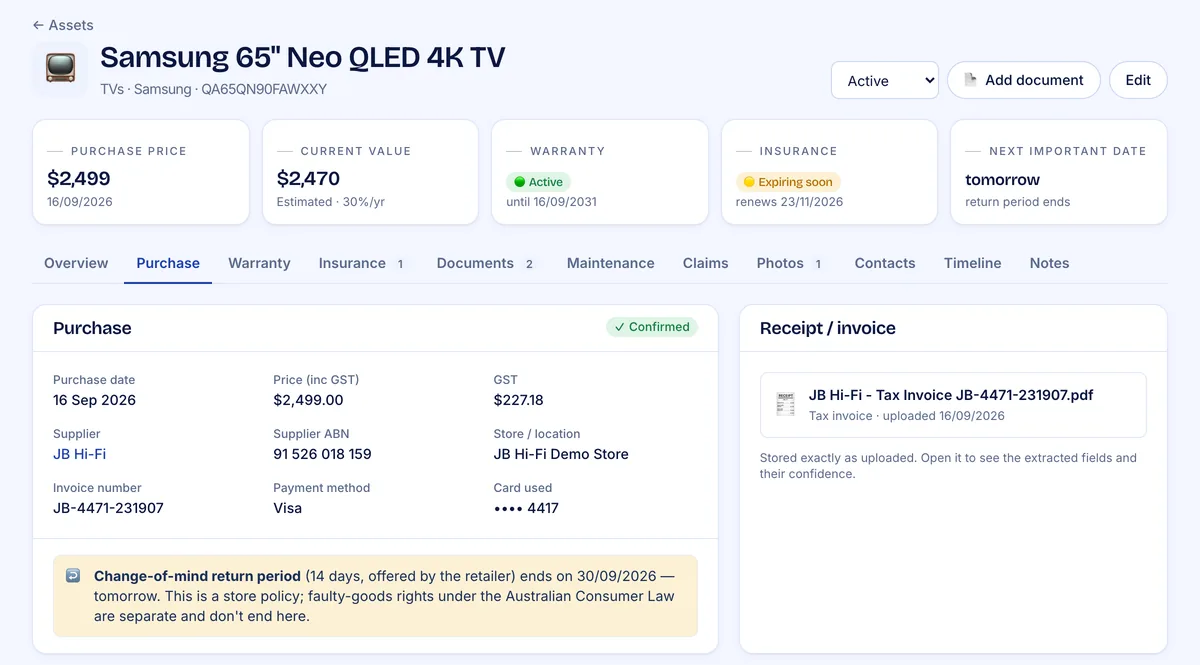
Not on a paid plan. Upload a PDF, a photo or a text file and Assetwise reads it — supplier, ABN, items, GST, warranty, policy terms — then shows each value with its confidence and the page it came from. Nothing is filed until you confirm it. Plus includes 300 receipt and invoice scans a year, and Portfolio 600. On Free, you attach the document and enter the details by hand, with no limit on assets.
What if one policy covers the building and the contents?
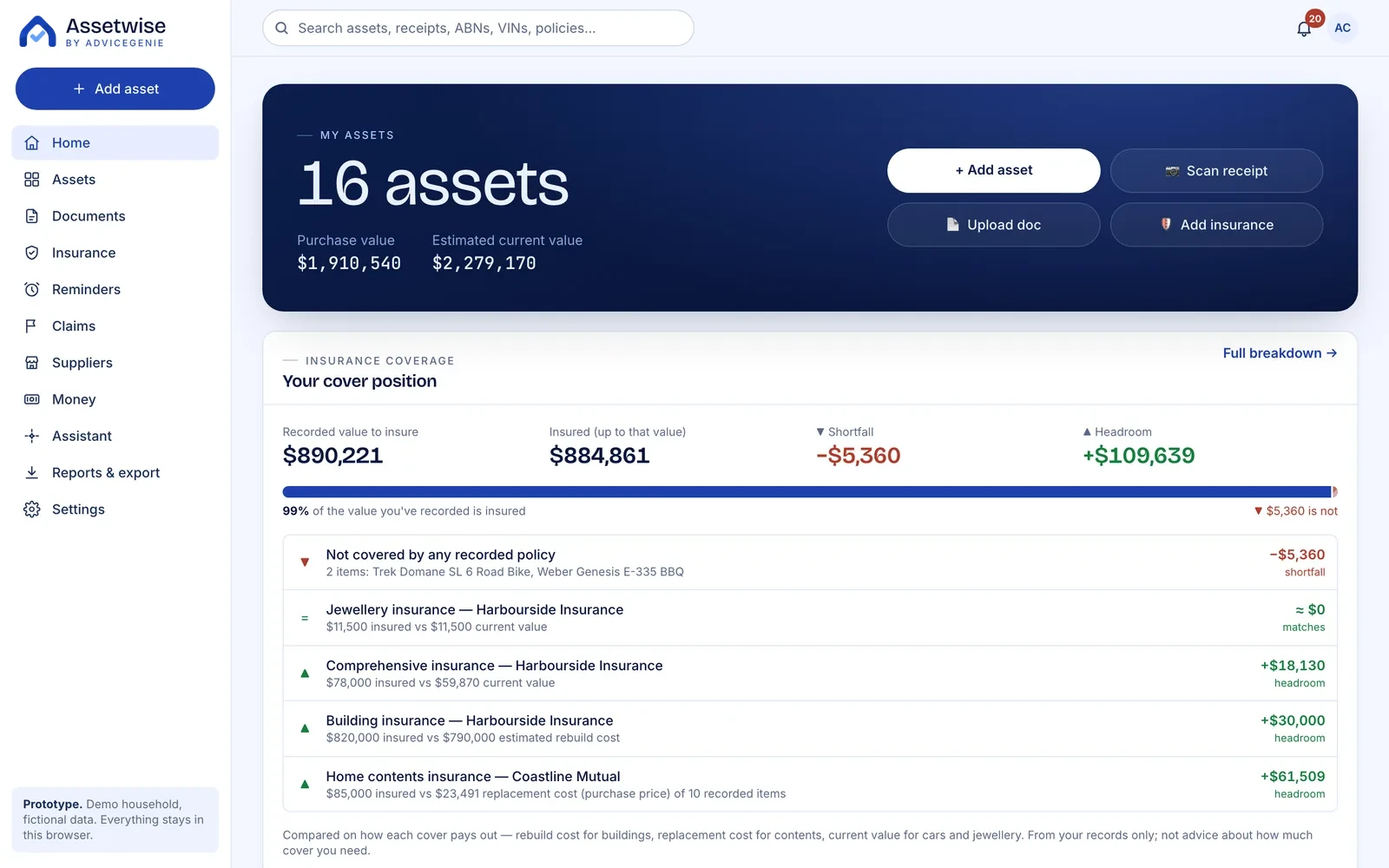
Assetwise keeps the two amounts apart. A home & contents certificate is filed as one policy with a building sum insured and a contents sum insured, and each is compared on its own basis — the building against its estimated rebuild cost, the contents against what you've recorded. A landlord policy that insures the building is treated the same way. If a figure was read wrongly, you can correct the sums insured on the policy's page.
Can I share my register with my household?
Yes, on every plan. The account owner adds members from Settings; each person signs in with their own email and password and sees the same register, with edit or view-only access. Only the owner can manage members, change the plan or delete the household.
What does each plan include?
All prices are in Australian dollars, include GST and are billed once a year. There are no monthly plans.
- Free — $0: unlimited assets, 5 insurance policies and 3 properties, all entered by hand. 1 GB of storage, files up to 10 MB, 5 uploads a day. The assistant (coming soon) will answer from your records without AI.
- Plus — $79 a year: 10 insurance policies, 5 properties, 300 AI receipt and invoice scans a year, PDS reading with page citations, ready-made reports and packs, 10 GB of storage, files up to 20 MB, 30 uploads a day and 20 assistant questions a day once the assistant launches.
- Portfolio — $149 a year: 30 insurance policies, 20 properties, 600 AI scans a year, 25 GB of storage, 50 uploads a day and 30 assistant questions a day once the assistant launches.
- Enterprise: more than 30 policies or 20 properties, or plans paid for by an adviser, broker or employer. Priced to your needs — contact us.
What is an AI scan?
One scan lets Assetwise read one receipt or invoice of up to 20 pages. Plus includes 300 scans a year and Portfolio 600. A PDS doesn't use scans: each insurance policy on your plan includes reading its PDS, and reading it again once a year when the policy renews. Duplicates and documents we can't read don't use scans.
What counts as an insurance policy or a property?
Each insurance policy you keep counts once, however many times it renews: a renewal is a new version of the same policy, not a new one. A policy that has ended still counts until you delete it, and deleting it frees the slot. A property is any asset in the home or investment property category. Everything else — cars, electronics, furniture, jewellery — is unlimited on every plan.
What happens when I reach a limit?
Nothing is lost or locked. You can still view, edit, renew and export everything you have. You just can't add another insurance policy or property until you delete one or move to a bigger plan. If you run out of AI scans, upload the document anyway: it's stored, and you fill in the details by hand. Scans reset at the start of your next subscription year, and the daily upload limit resets each day.
How big can a document be?
On Free, up to 10 MB. On paid plans, up to 20 MB. AI reads up to 20 pages of a receipt or invoice, and up to 150 pages of a PDS — enough for a full policy. A longer document is still stored, and you can enter its details by hand. PDF, JPG, PNG, WebP and plain-text files are accepted.
Is there a storage limit?
Yes. Free stores 1 GB of documents and photos, Plus 10 GB and Portfolio 25 GB — room for thousands of receipts and photos. Photos are resized before upload, so they take less space without losing the detail you need. Deleting a file frees its space straight away.
Is there a free trial?
No. Free is free for as long as you like, with no time limit. To see the AI at work before you subscribe, try the demo: a complete fictional household, with sample receipts you can process.
How do renewal and cancelling work?
A paid plan renews automatically each year. We email you 30 days before it renews, with the amount and the date, and a link to cancel. You can cancel any time from Settings → Plan → Manage billing. Your plan stays active until the end of the year you've paid for, then moves to Free.
Can I change plans?
Yes. Moving from Plus to Portfolio takes effect straight away: you pay the difference for the rest of your year, and the scans you've used carry over. Moving from Portfolio to Plus takes effect when your plan renews.
What is your refund policy?
If you change your mind within 7 days of your first purchase, we refund it in full. A refund closes your account: the account and everything in it — assets, documents, photos, policies, claims and reminders — are permanently deleted, and this can't be undone. We'll offer you an export first. After those 7 days, and for renewals, we don't refund part of a year. Cancel instead, and your plan runs to the end of the year you've paid for. This doesn't affect your rights under the Australian Consumer Law.
What happens if I don't renew a paid plan?
Your account moves to Free and your register stays yours: you keep every asset, document, extracted detail and reminder, can still edit them, and can export them any time. AI reading stops, and you can add new records by hand — but not insurance policies or properties beyond the Free limits of 5 and 3.
Are paid plans available now?
Yes. Plus and Portfolio are available now, billed once a year. During early access, every account — Free included — can still use every feature; the limits on this page apply when early access ends.
Is there an app to install?
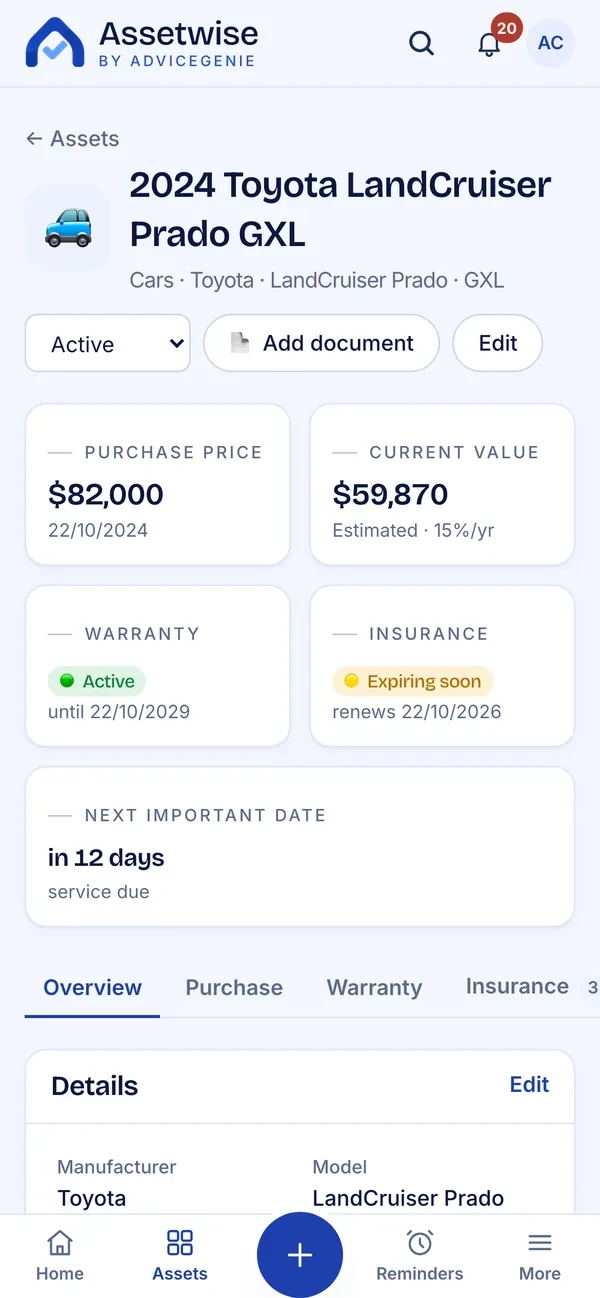
Assetwise runs in your browser on any phone, tablet or computer — there's nothing to download from an app store. You can add it to your home screen so it opens with one tap like an app (see below), and on a phone you can photograph a receipt straight from the Add asset screen.
How do I add Assetwise to my home screen?
Go to assetwise.advicegenie.com.au/app and sign in, then add it from your browser. The icon opens Assetwise straight to your register.
iPhone or iPad: in Safari, tap the Share button (the square with an arrow), scroll down, tap Add to Home Screen, then Add.
Android: in Chrome, tap the ⋮ menu, then Add to Home screen and Add. In Samsung Internet, tap the menu, then Add page to → Home screen.
Mac: in Safari, choose File → Add to Dock.
Windows or other computers: in Chrome or Edge, open the browser menu and look for Create shortcut or Install under Cast, save and share or Apps.
What if a receipt doesn't state a warranty?
Assetwise applies a 12-month default and flags it as needing confirmation. Your rights under the Australian Consumer Law are separate from any manufacturer's warranty and don't end when it does.
Can I delete my data?
Yes. You can export your register and permanently delete it, with every document and photo, from Settings at any time.
Do you work with advisers, insurers or businesses?
Yes. You'll be able to give your adviser consent to view your register on any paid plan. Enterprise lets advisers, brokers and employers pay for Plus or Portfolio for the people they look after — paying for your plan never lets them see your register; only your own consent does. White label puts Assetwise under your own brand. Contact info@advicegenie.com.au to talk about your needs.